

A label printing device for the production floor
A label with the right date and batch number. At a touch.
Tapprint is a touchscreen at the production line. The operator picks the product and the device fills in the production date, best-before date and batch number by itself — and prints the label. No computer and no waiting for the office.
- Works with no computer and no internet
- Zebra, Godex and Xprinter printers
- Shipping labels from BaseLinker and Rubusta
Trusted by

What it is for
No more mistakes on labels
A product label is an obligation: name, ingredients, date, batch. Tapprint makes sure every pack carries the right data.
CRAFTBE
WHOLE BEAN COFFEE
Dostojny Łoś
100% Arabica · Brazil · 250 g
- Roast date
- 12.11.2026
- Best before
- 12.11.2027
- Batch number
- L261112
5 904730 112068
Store in a cool, dry place.
- 1
Wrong best-before date on the label
Dates work themselves out
The production date is today, and the device calculates the best-before date from it according to the template. Nobody retypes it.
- 2
Mixed-up batch number
Batch entered once
You enter the batch number on the screen before the run and it goes on every label. The preview shows it before printing.
- 3
Production waits for the office to print labels
Printing at the line
The operator picks the product and quantity on the touchscreen. No computer and no office involved.
- 4
Every label looks slightly different
One template for the whole range
You design the layout once, and names, weights and EAN codes are filled in from a data table.
How it works
From design to label in four steps
You prepare the labels once in the browser. After that any employee prints them straight from the device screen.
- 1
Design the label
In the browser-based designer you lay out text, logo, barcodes and QR codes. Fields with dates and product data are filled in at print time.
- 2
Find the product on the screen
All labels are on the touchscreen as tiles. Type a few letters or choose a category.
- 3
Enter the batch, dates work themselves out
You enter the batch number once before the run. The device fills in the production and best-before dates, and the label preview updates live.
- 4
Check and print
The preview shows the label with today's dates. Enter the quantity and print; a print can be repeated from the history with one tap.
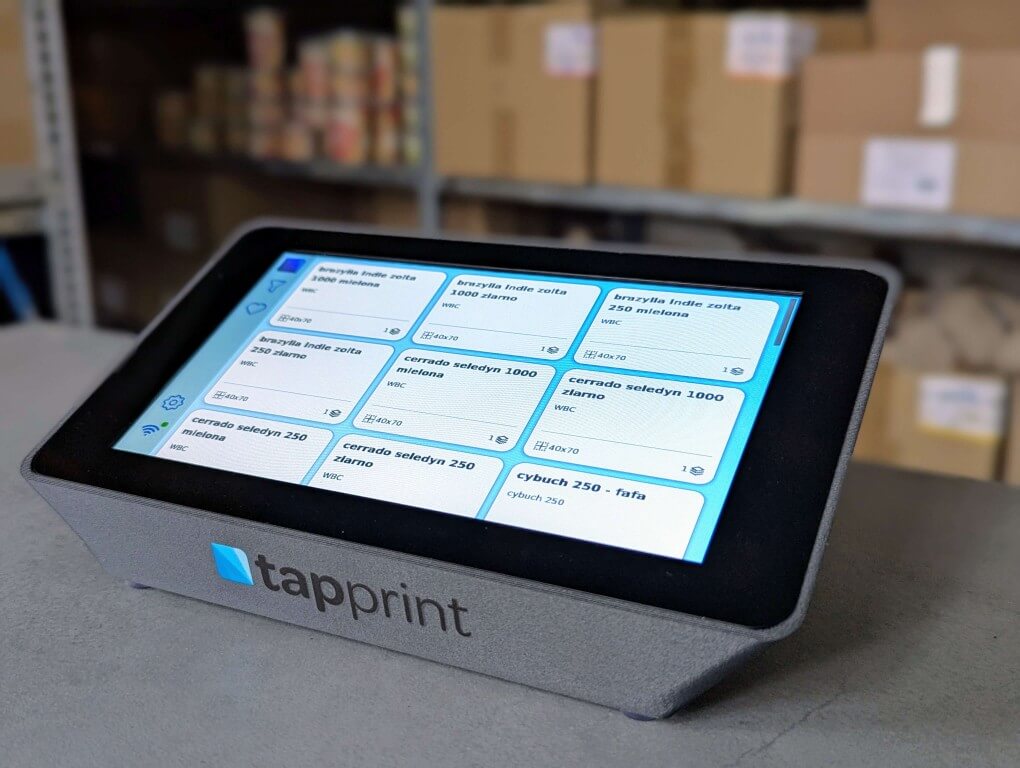
The device
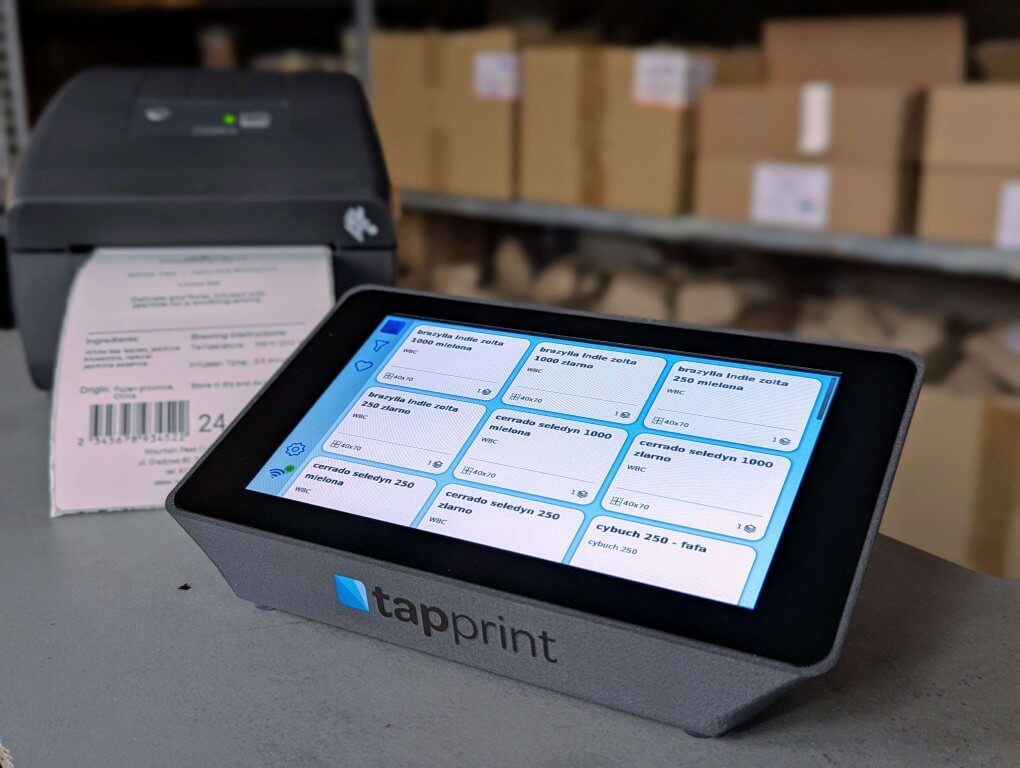
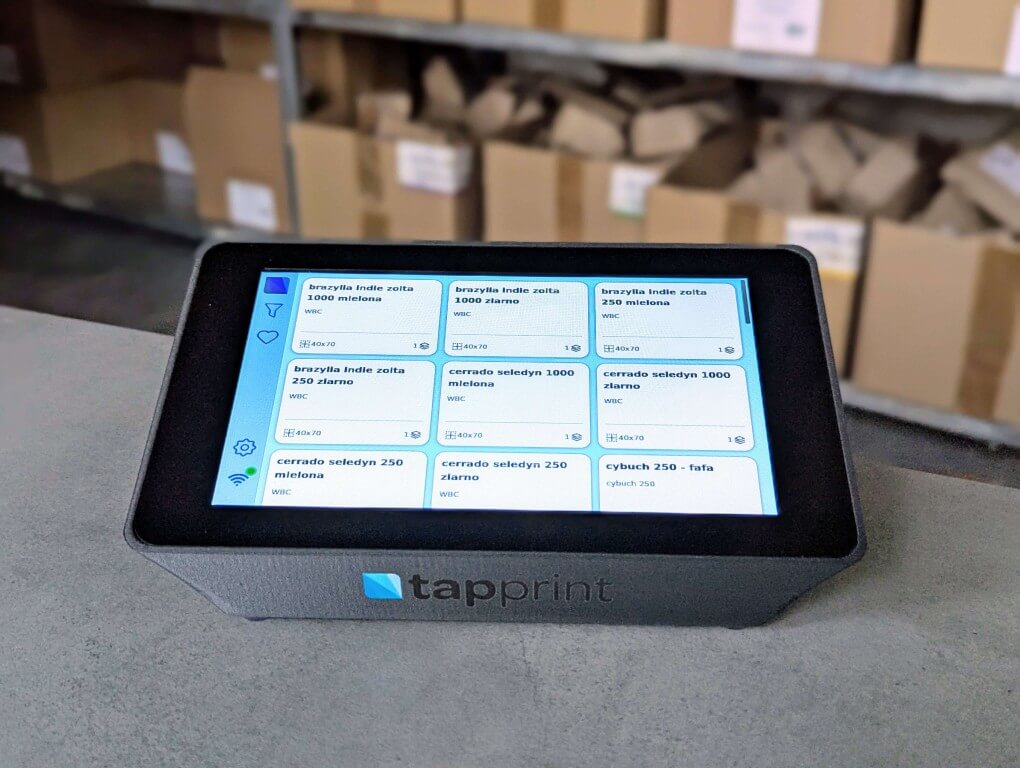
This is Tapprint
Put it on a counter or hang it on the wall, plug in a label printer and power. That is all.
- Screen
- 7" touchscreen
- Connectivity
- Wi-Fi and Ethernet
- Printers
- Zebra, Godex, Xprinter, A4
- Internet
- not needed to print
Integrations
Shipping labels straight from BaseLinker and Rubusta
Tapprint connects to the system you use to handle orders. The shipping label prints by itself on the printer at the packing station.
- 1
The order goes to packing
The order status changes in BaseLinker or Rubusta, or the packer scans the parcel.
- 2
The system sends the label to Tapprint
The carrier label reaches the device in the warehouse over a secure connection through Tapprint Cloud.
- 3
The printer prints the label
The shipping label comes out at the packing station. The print queue is visible on the device screen.
BaseLinker
E-commerce platformTapprint supports printing shipping labels from BaseLinker. You enter an API token, add an automatic rule with the “Drukowanie” (printing) status, and labels print by themselves. It is our own connector, not an official BaseLinker integration.
- Connected with your BaseLinker API token
- Prints when an order enters the “Drukowanie” status
- You set the automatic rule in BaseLinker
- No computer at the packing table
Rubusta
OMS / WMSRubusta sends shipping and product labels with order data to Tapprint. The order moves on only when the label has actually left the printer.
- Shipping labels printed during packing
- Product labels with date and batch number
- Print confirmation returned to the order
- Connected through the cloud, without exposing the warehouse network
Using a different system? Tapprint has a print API. Get in touch
Ideal for
For whom is Tapprint?
- 01
Small and Medium Manufacturing Companies
Case labels, batch numbers and best-before dates printed at the line, without waiting for the office.
- 02
Craft Food Manufacturers
Ingredients, allergens and best-before date always from one template — even for short runs.
- 03
Coffee Roasters
Back labels with roast date and bean description, printed for every batch.
- 04
Importers
Local-language labels with translated ingredients and importer details, ready to stick on the goods.
- 05
Packaging Facilities
Fast label changeover between jobs: the operator picks the print set and quantity on the screen.
- 06
Electronics Manufacturers
Serial numbers and QR codes on labels, printed at the assembly station.

Case study
CRAFTBE: a coffee roastery with 65 labels on one screen
A specialty coffee roastery from Podlasie uses Tapprint to print back labels with roast and best-before dates, and shipping labels for its orders.
- 16
- coffees on offer
- 65
- print sets
- 12
- label templates
- 3
- printers
Pricing
Buy the device once. Add the cloud you need.
Local printing works with no subscription and no internet. A Cloud plan adds remote access, backups and the BaseLinker and Rubusta integrations.
One-time payment
Tapprint device
PLN 2,999net
A print manager with a 7" touchscreen. Plug in a printer and print.
Secure payment via Stripe. InPost courier delivery within Poland included. VAT invoice.
- 7" touchscreen, Wi-Fi and Ethernet
- Visual label designer in the browser
- Local printing with no internet and no subscription
- Unlimited templates, data and prints
- Zebra, Godex and Xprinter label printers, plus A4 printers
- Software updates included
Tapprint Cloud plans
A subscription per device, the first 14 days free. You can start without a plan and add one later — you subscribe in the Tapprint Cloud panel; the invitation arrives by e-mail after you buy the device.
No cloud
PLN 0
included with the device, no subscription
The device runs fully locally. No cloud is needed to design or print.
- Printing without internet and without a cloud account
- Label designer in the browser, on your local network
- Templates and data stay on the device
- No limit on templates or prints
- You can add a Cloud plan later
Cloud Start
PLN 59net / month
per device
Remote access to the device and peace of mind about your data.
- Access the device from anywhere through cloud.tapprint.io
- User accounts with roles and two-step verification
- Cloud backups of the device data, restored with help from support
- E-mail support
Most popular
Cloud Pro
PLN 129net / month
per device
Automatic label printing from your sales systems.
- Everything in Cloud Start
- Shipping label printing from BaseLinker
- Rubusta integration — shipping and product labels
- Cloud print API for your own systems (coming soon)
- Unlimited prints
- Priority support
Cloud Fleet
Custom
from 3 devices
For companies with many stations or locations.
- Everything in Cloud Pro
- Multiple devices and locations in one organisation
- Discount on additional devices and plans
- Help with rollout and label preparation
- Dedicated rollout contact
Net prices; 23% VAT is added. The printer is not included. You can cancel the Cloud plan at any time — the device keeps printing locally.
FAQ
Frequently Asked Questions
No, Tapprint is an advanced print manager that works with a wide range of printers from various manufacturers, including A4 printers as well as thermal and thermal transfer label printers. A printer must be purchased separately, allowing you to choose one that best suits your needs.
Product Reviews
„Since we implemented this solution in our production, work has been going more smoothly. We no longer need to run around offices to print labels - everything happens on-site. The system is intuitive, and labels are always correct. We save time, and errors have been practically eliminated. It was a great investment!”
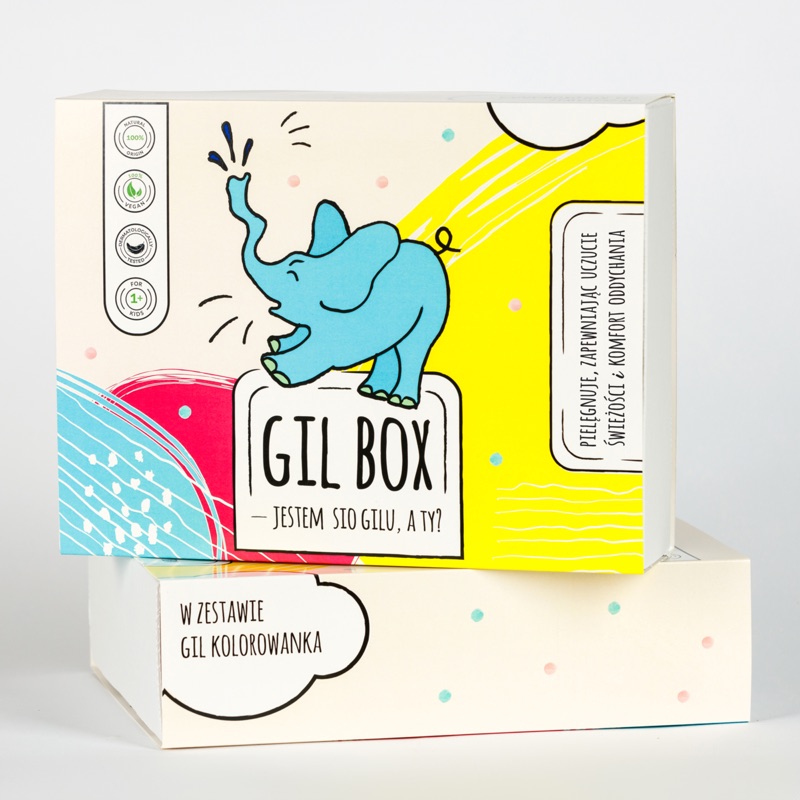
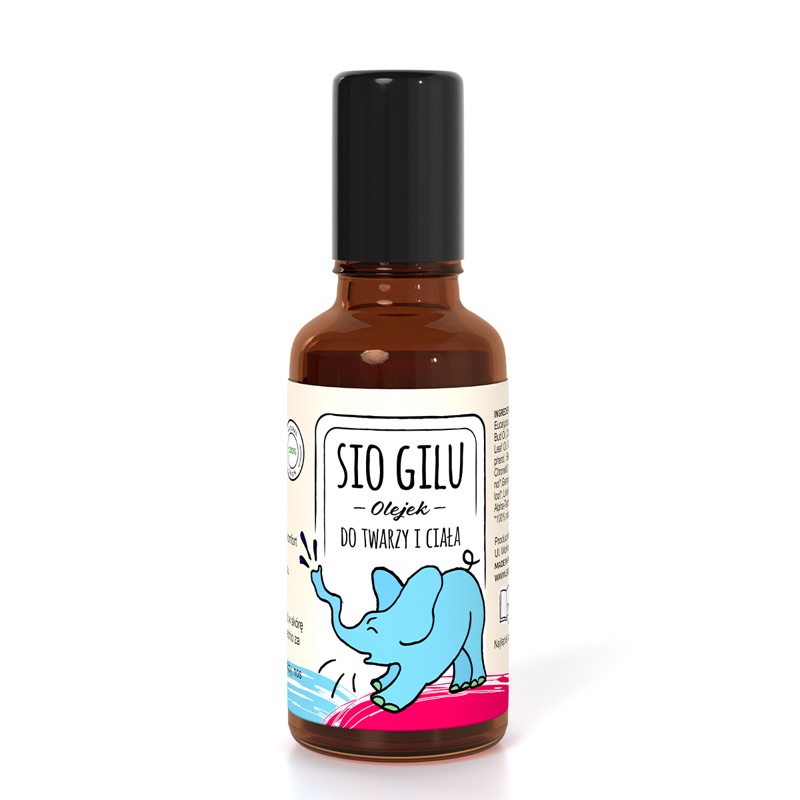
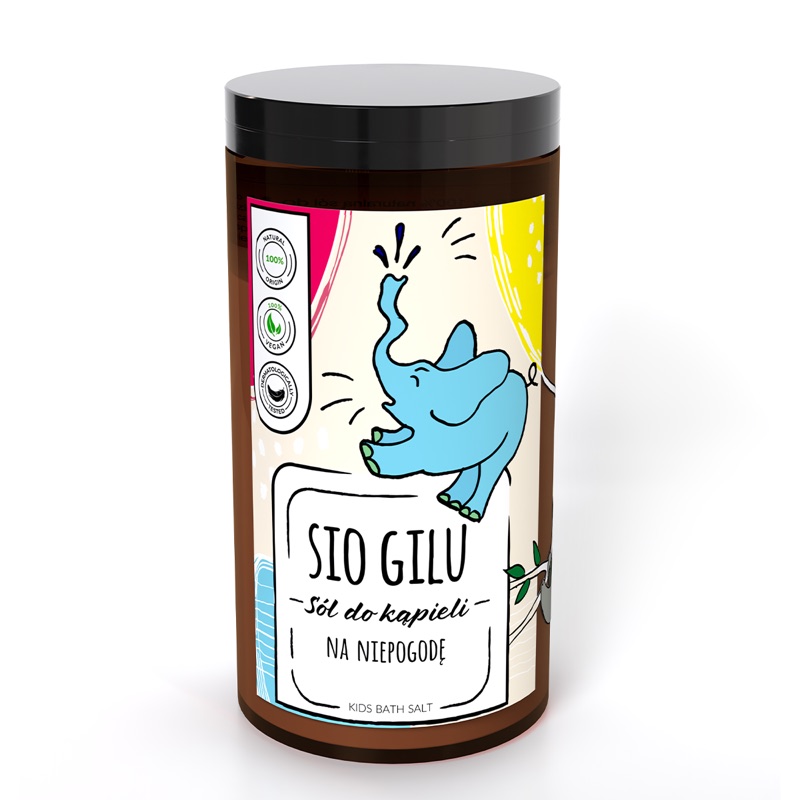
„Tapprint prints the labels for the bulk packaging of our children's cosmetics.”